Everything you need to cover Tenkai Launcher.
Tenkai Launcher is a fast, gesture-driven radial home screen for Android that combines fluid thumb-flick navigation with desktop-grade automation, live status capsules, and zero telemetry. Below you will find official brand assets, high-resolution screenshots, promo videos, feature clips, and reviewer resources.
Quick Reference
Fast Facts & Key Details
App Name
Tenkai Launcher
Developer
KarKar Labs (Jaime Hidalgo)
Platform
Android (100% on-device, 0 tracking)
Pricing Model
Free download (Optional Lifetime Premium)
Category
Personalization / Launcher / Productivity
Official Website
tenkailauncher.com ↗
Google Play Store
Get on Google Play ↗
Media Contact
press@tenkailauncher.com
Reddit Community
r/TenkaiLauncher ↗
Tenkai Launcher Fast Facts:
- App Name: Tenkai Launcher
- Developer: KarKar Labs (Jaime Hidalgo)
- Platform: Android (local-first, 0 telemetry/tracking)
- Category: Personalization / Launcher / Productivity
- Website: https://tenkailauncher.com/
- Google Play: https://play.google.com/store/apps/details?id=com.karkarlabs.tenkailauncher
- Pricing: Free to download with optional Lifetime Premium unlock
- Media Contact: press@tenkailauncher.com
- Reddit Community: https://www.reddit.com/r/TenkaiLauncher/
Ready-to-Quote Copy
Elevator Pitch & Feature Pillars
Tenkai Launcher is a fast, minimalist Android home-screen replacement built around an intuitive, flick-driven radial navigation system. Instead of scrolling through static icon grids or app lists, users can navigate nested radial pie menus and launch apps or trigger actions instantly in a single fluid swipe.
Beyond thumb-driven radial navigation, Tenkai brings desktop-grade automation and power tools to Android enthusiasts:
- Smart Home & HTTP Webhooks: Trigger instant HTTP REST requests directly from gestures (Home Assistant scenes, smart lights, or live queries like stock prices and currency rates).
- Contextual Space & Widget Automation: Dynamically reveal or hide spaces and widgets based on connected Wi-Fi networks, paired Bluetooth devices (e.g. car audio or headphones), location, or API responses.
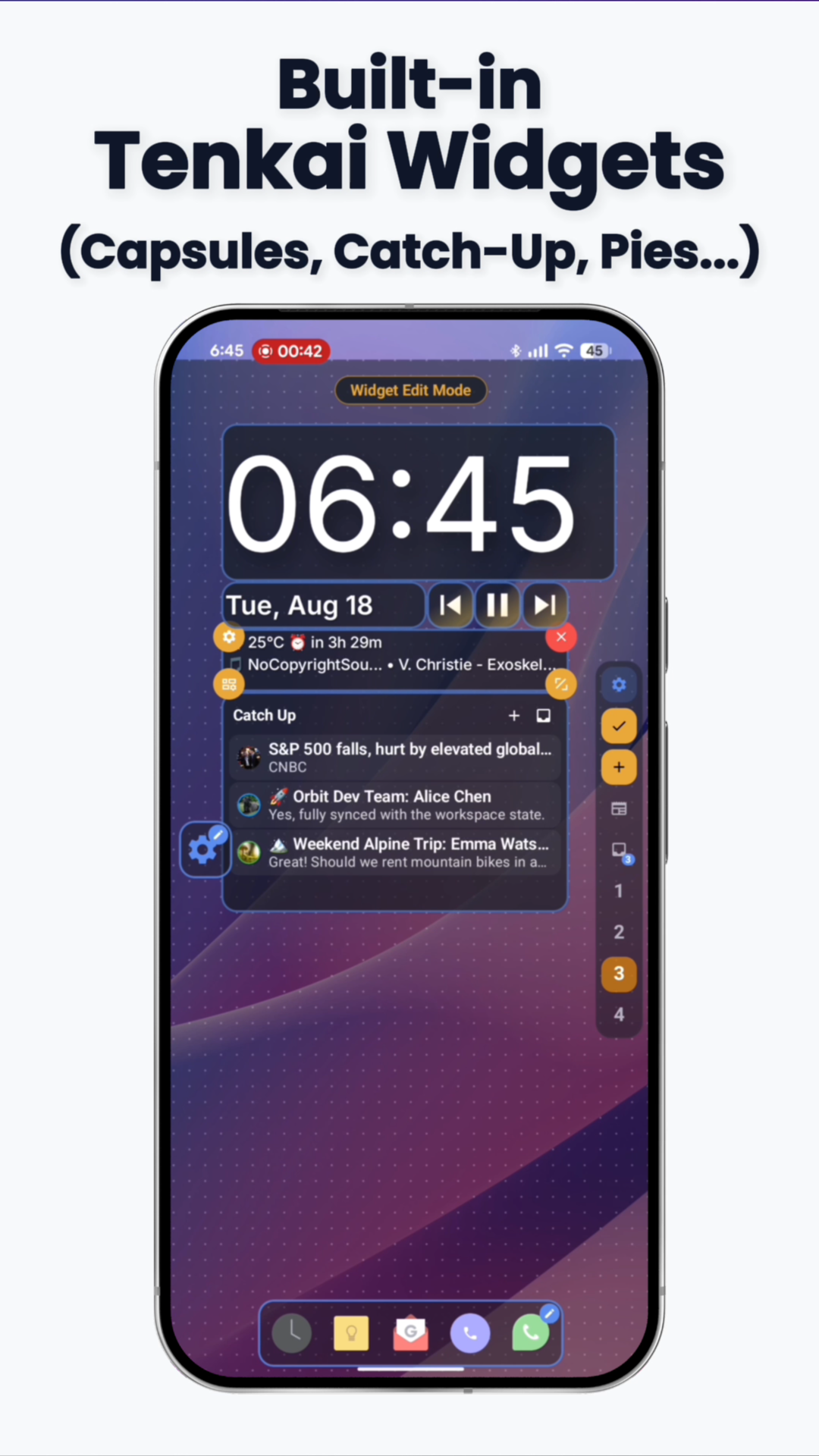
- Live Status Capsules: Display real-time device sensor readings, battery stats, and parsed web data directly on the home screen.
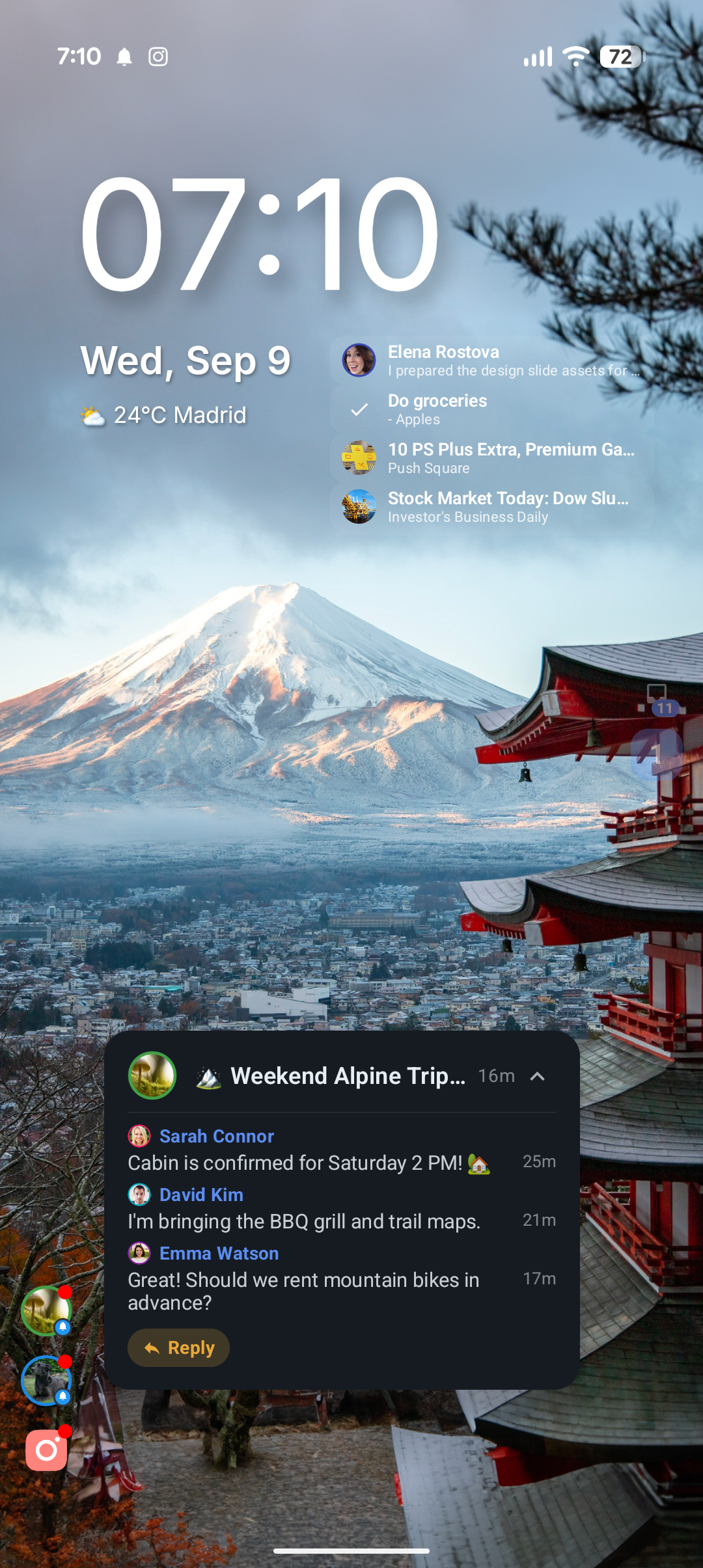
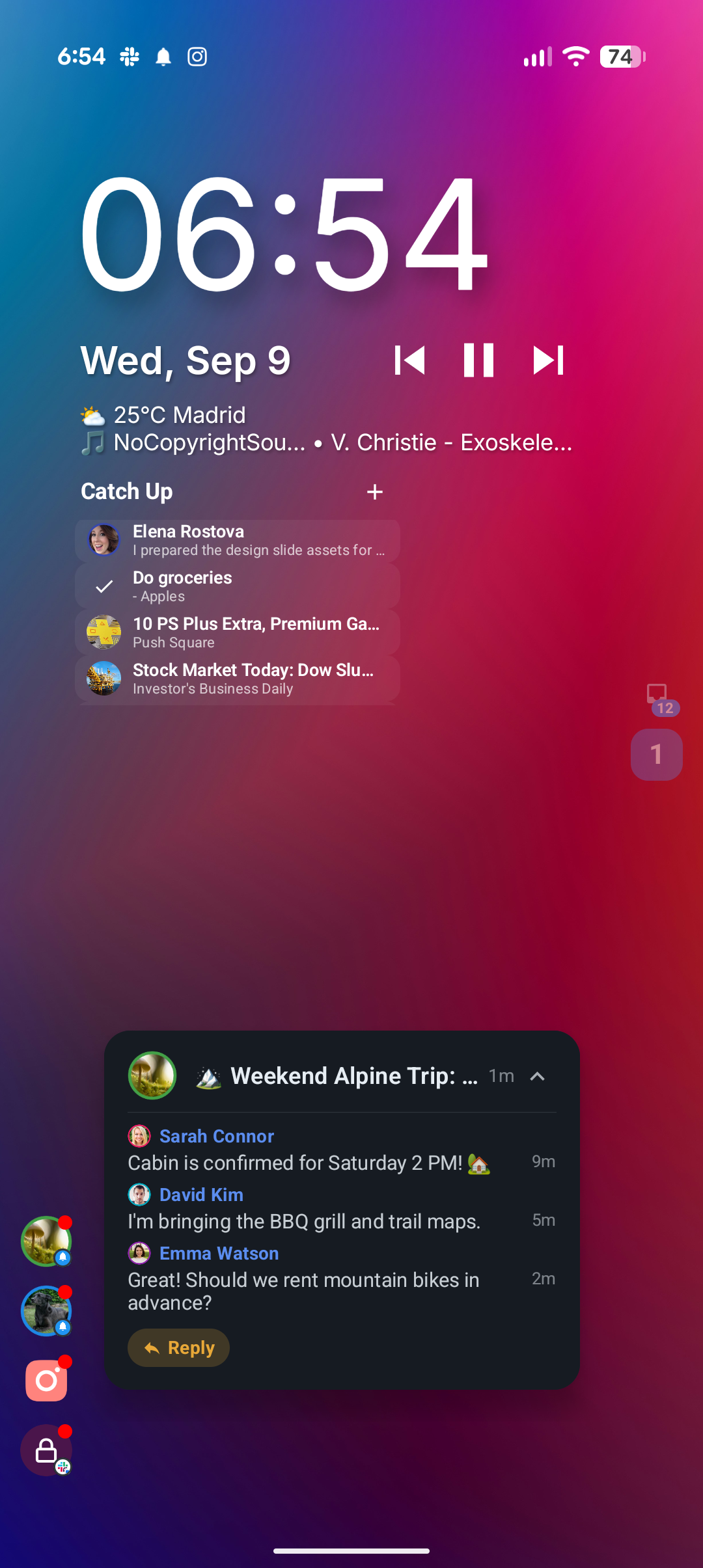
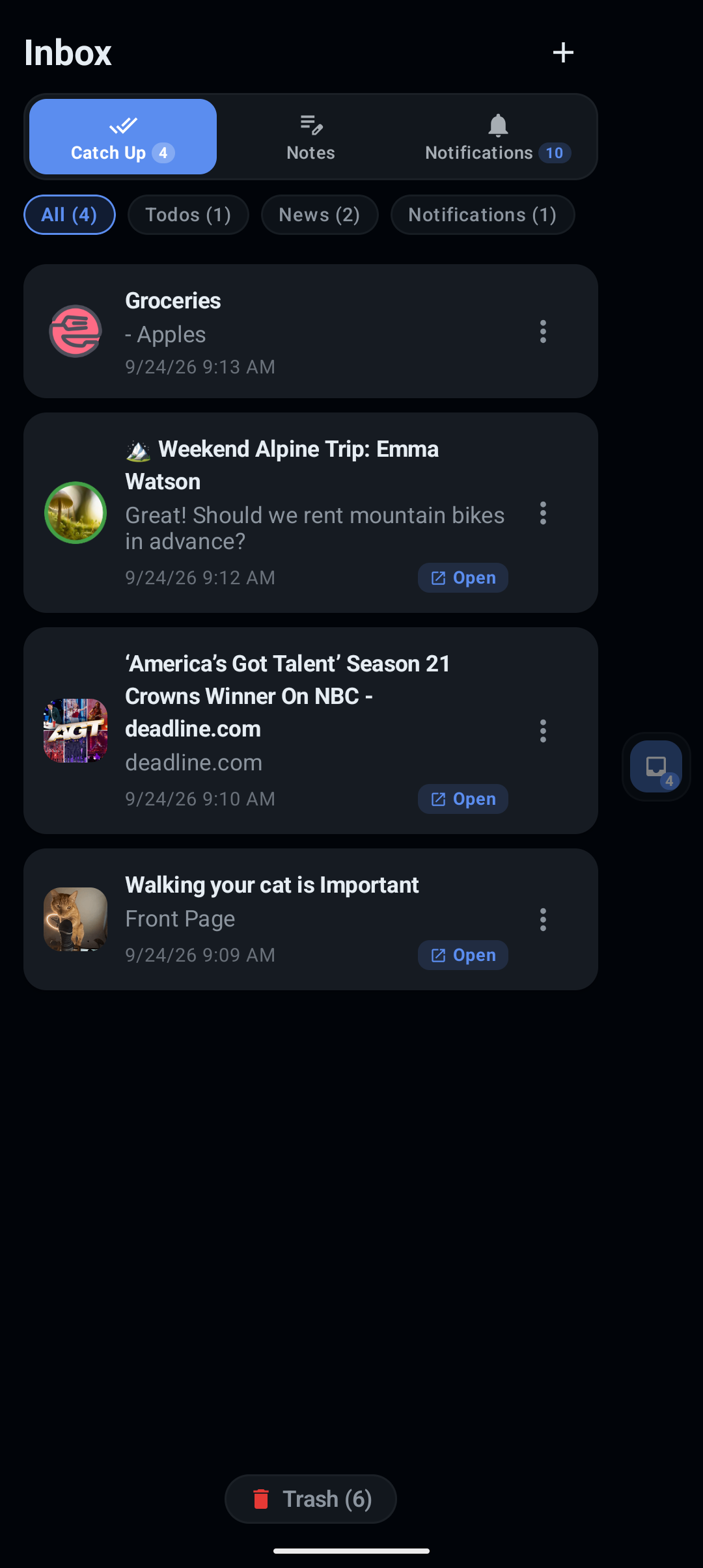
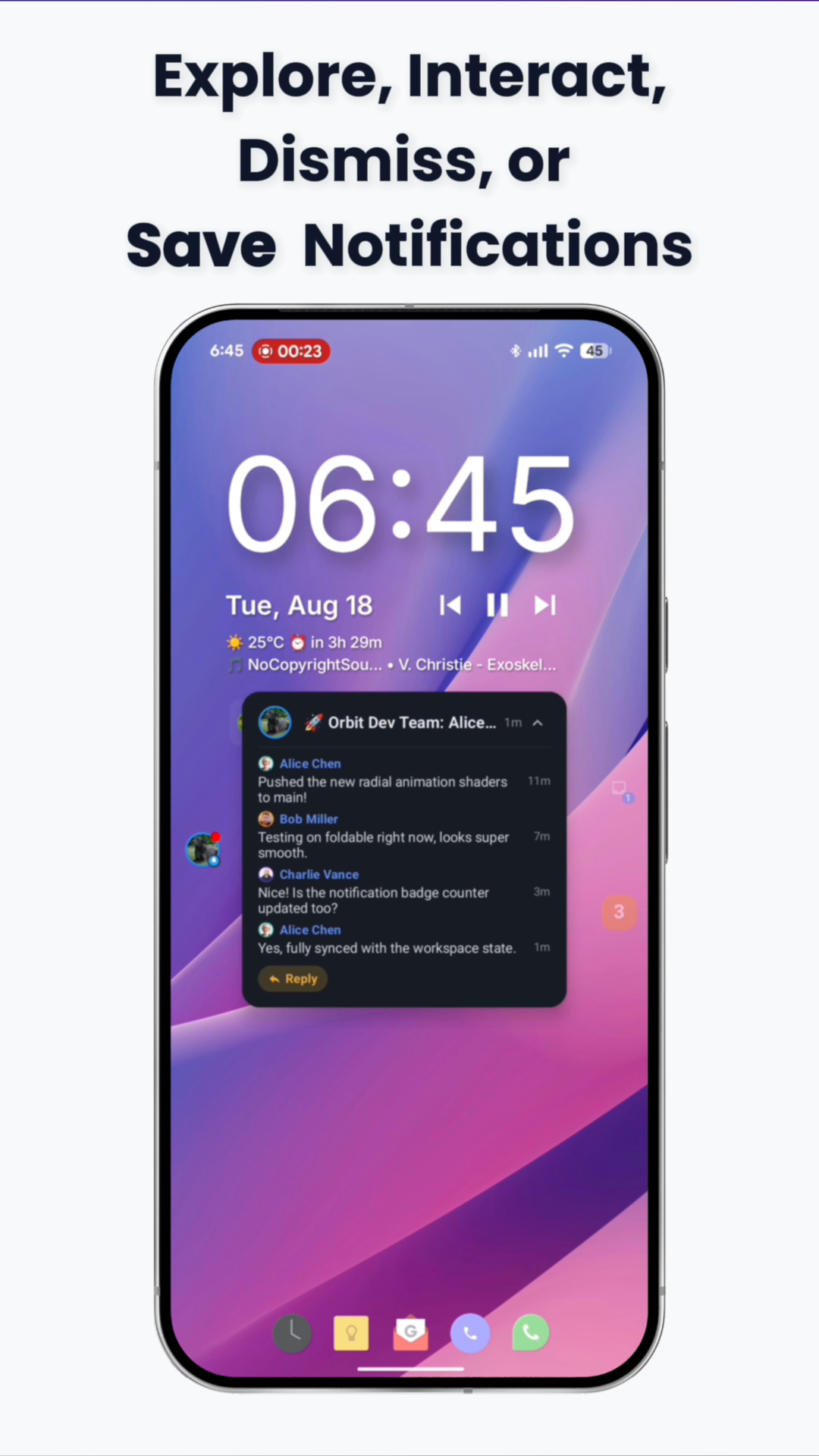
- Built-in Notification Manager & Catch-Up Hub: Reply, dismiss, or save notifications for later directly from the home screen to eliminate notification clutter.
- 100% Private & Local-First: Zero ads, zero tracking, zero remote telemetry. All layouts, gestures, and configurations remain strictly on-device.
Identity & Styling
Official Brand Assets

Tenkai Launcher App Icon
High-resolution icon suitable for website headers, articles, video overlays, and review cards.
Brand Color Palette
Consistent hex codes for graphic design, video title cards, and article badges:
Electric Blue (Accent)
Copy
#5B8DEF
Midnight Slate (Heading)
Copy
#0F172A
Off-White Canvas
Copy
#F8FAFC
Subtle Border
Copy
#E2E8F0
Brand Guidelines: Please do not stretch, recolor, or distort the circular launcher mark. Provide adequate clear space around the logo.
Video Assets
Official Videos & Explainer
High-resolution video assets for reviews, articles, and embed cards. Includes our 1-minute animated concept guide and in-depth product walkthrough.
Raw UI Assets
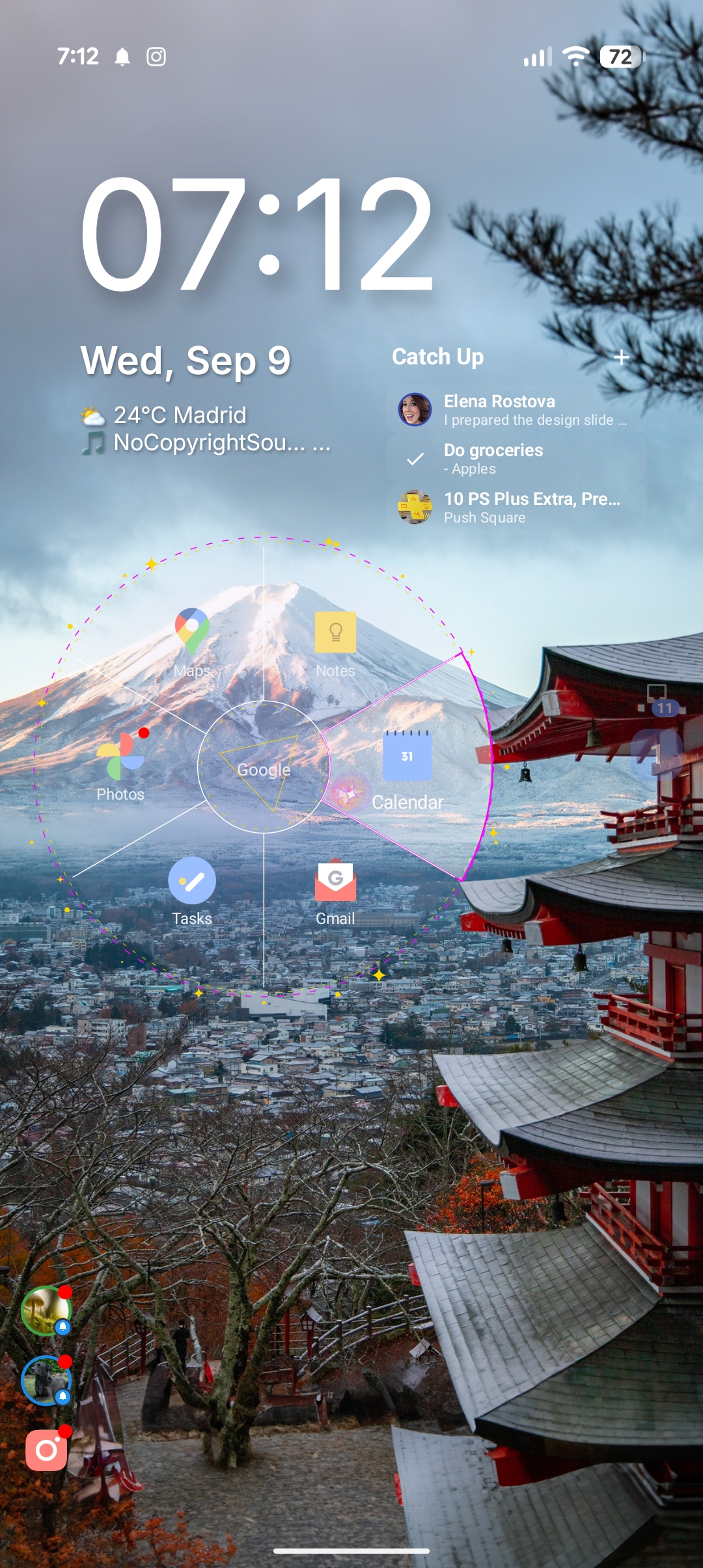
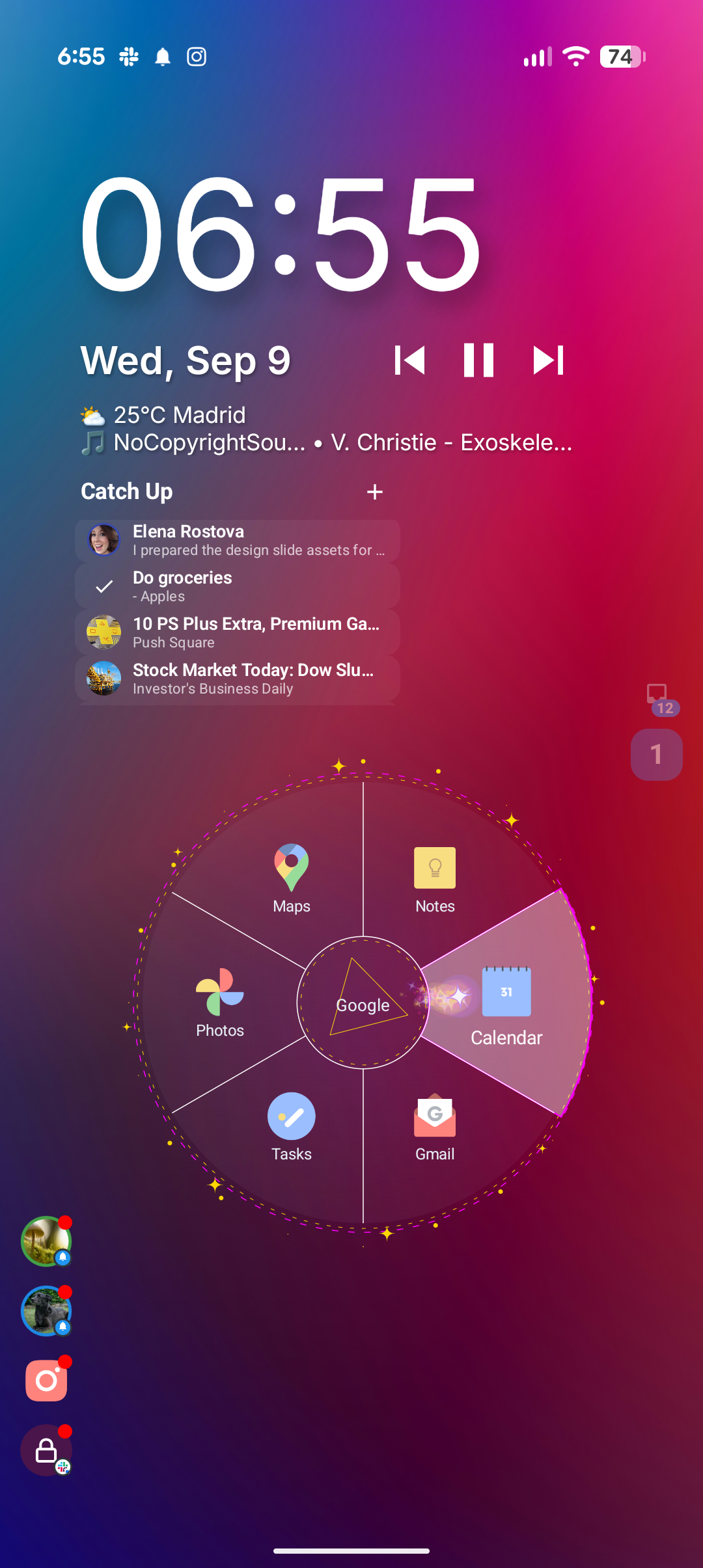
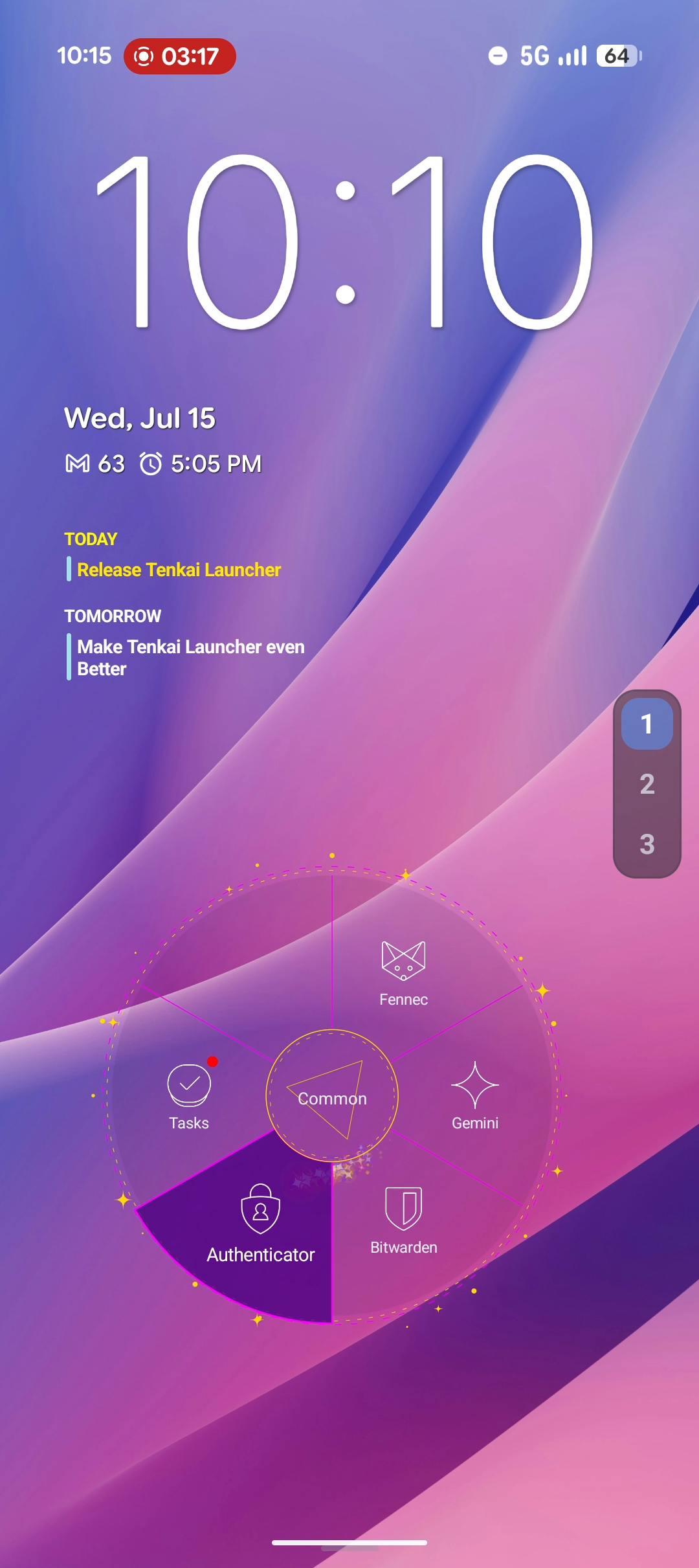
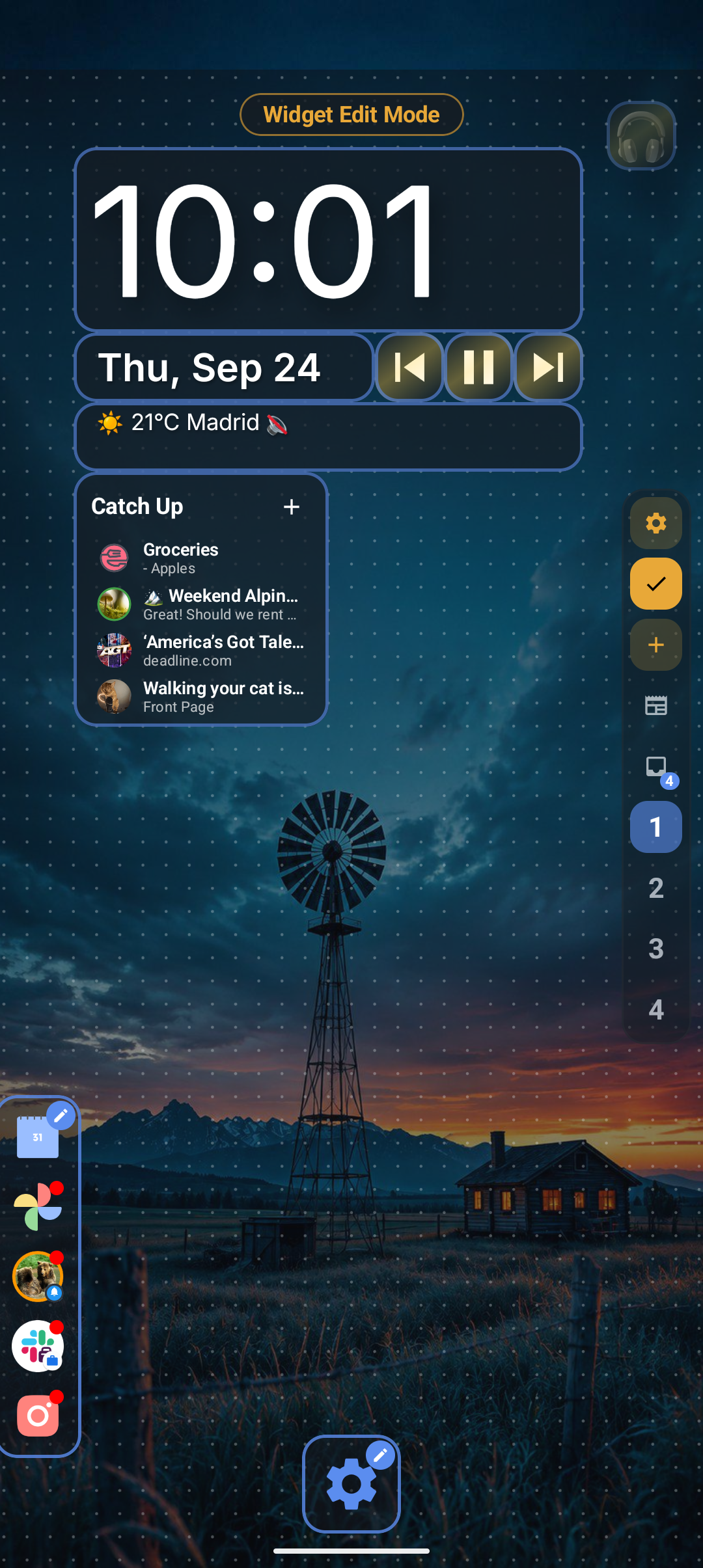
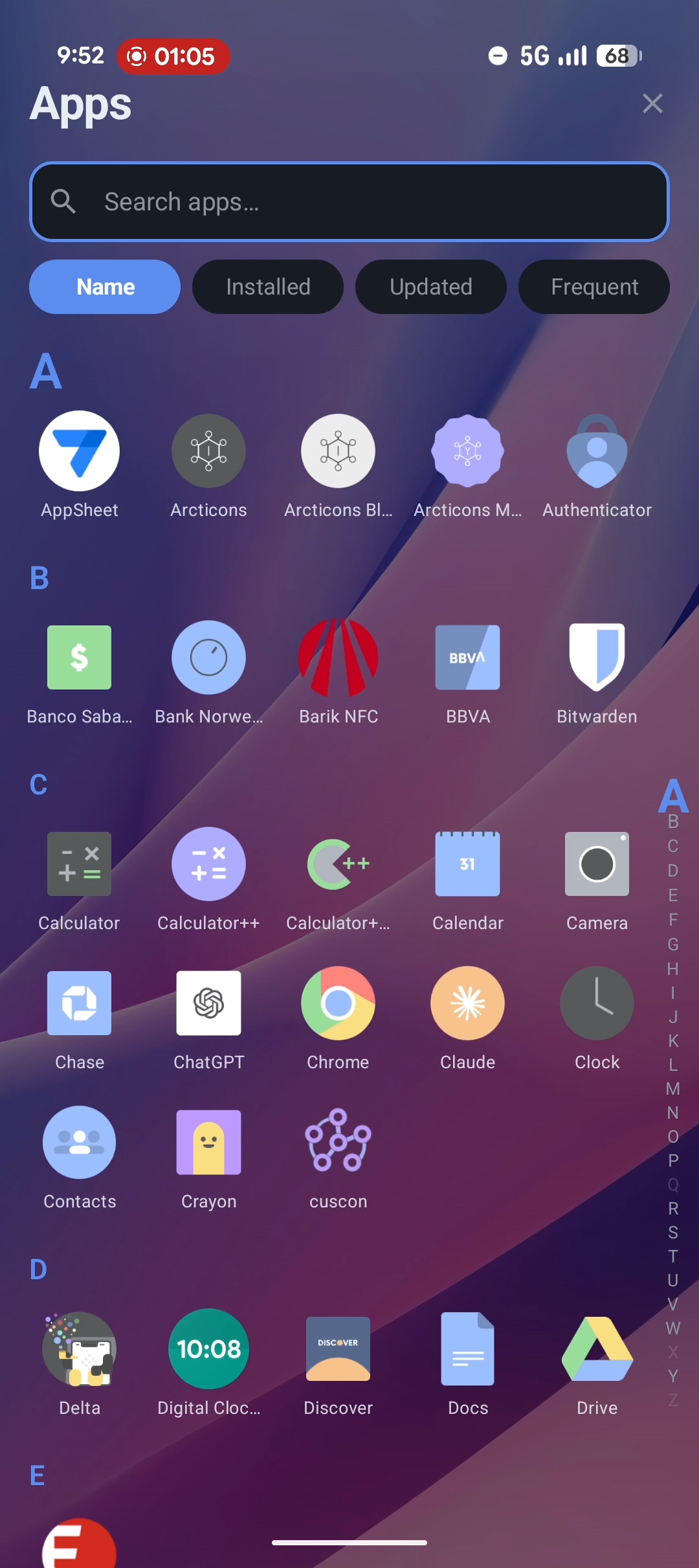
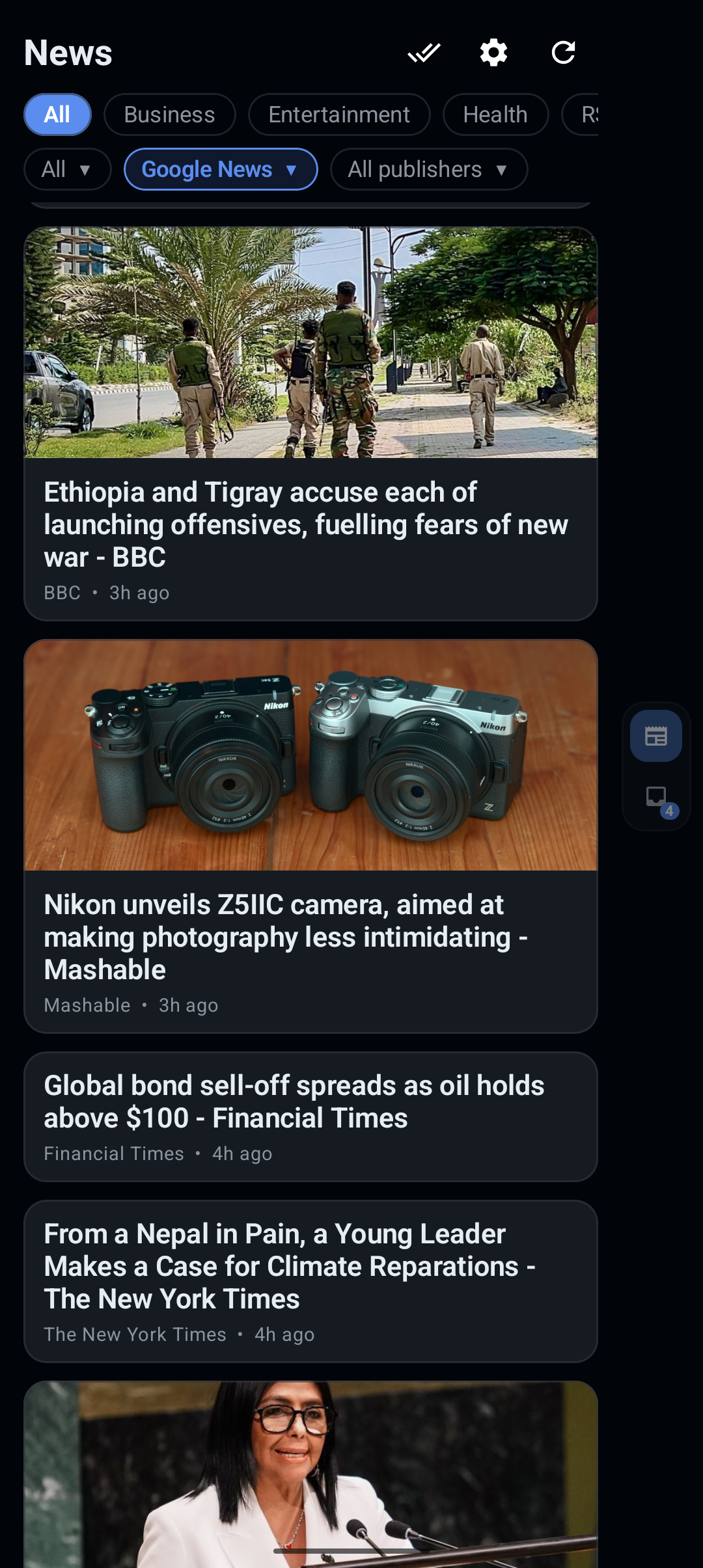
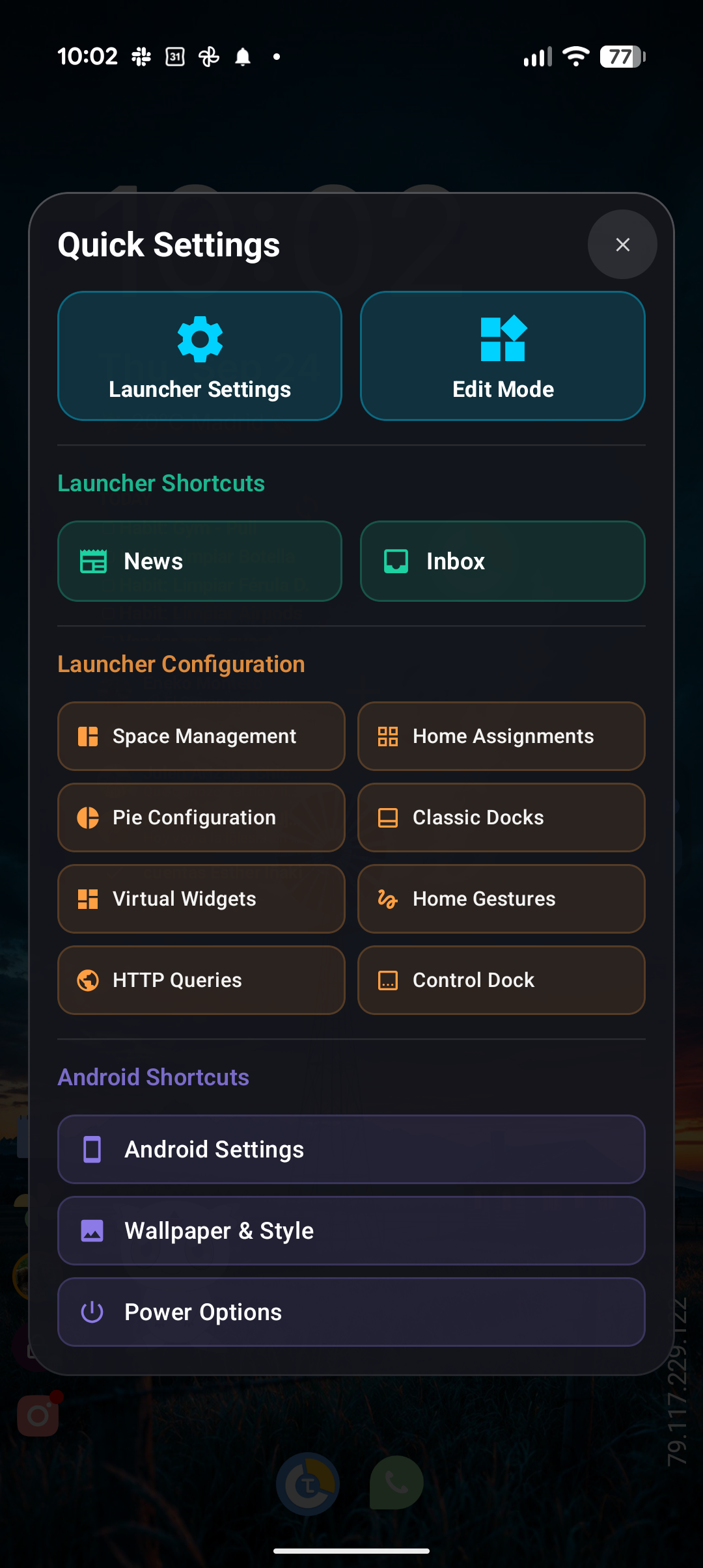
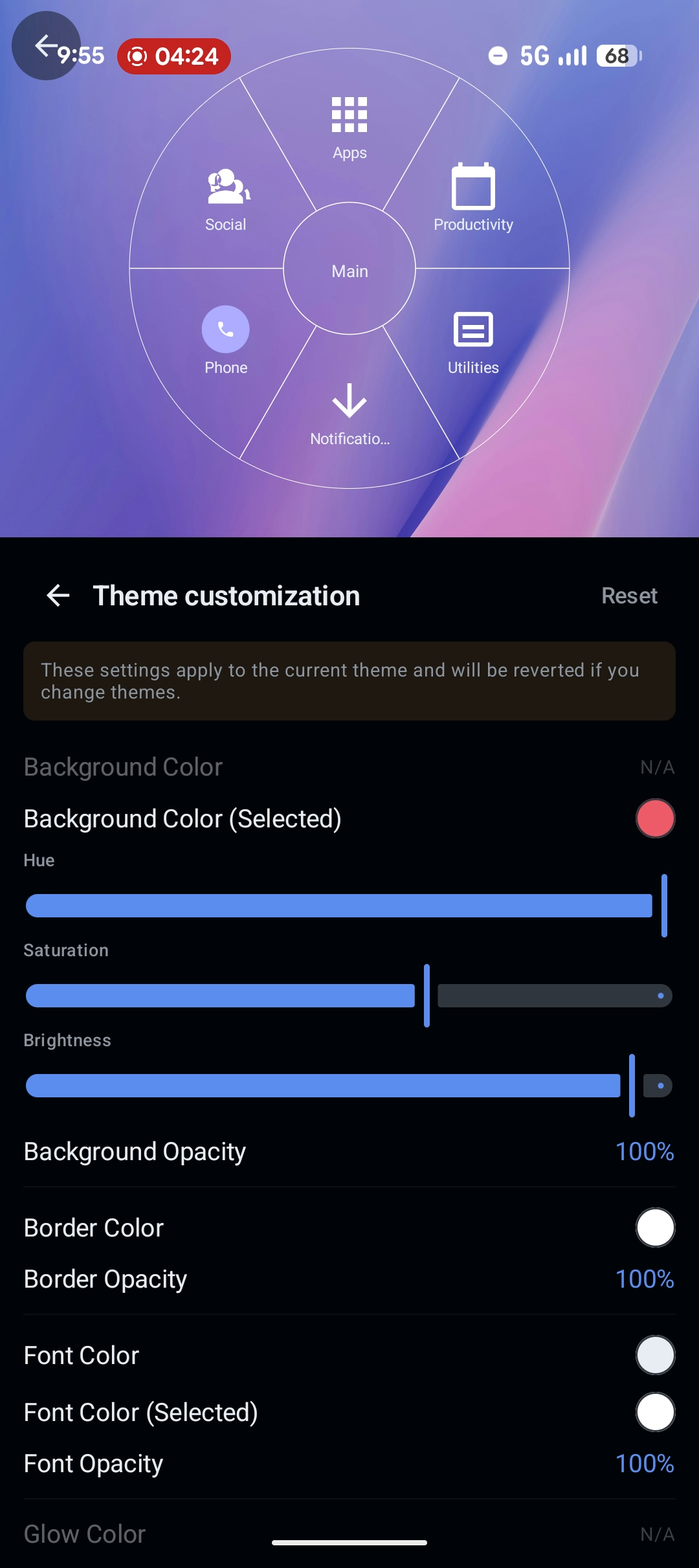
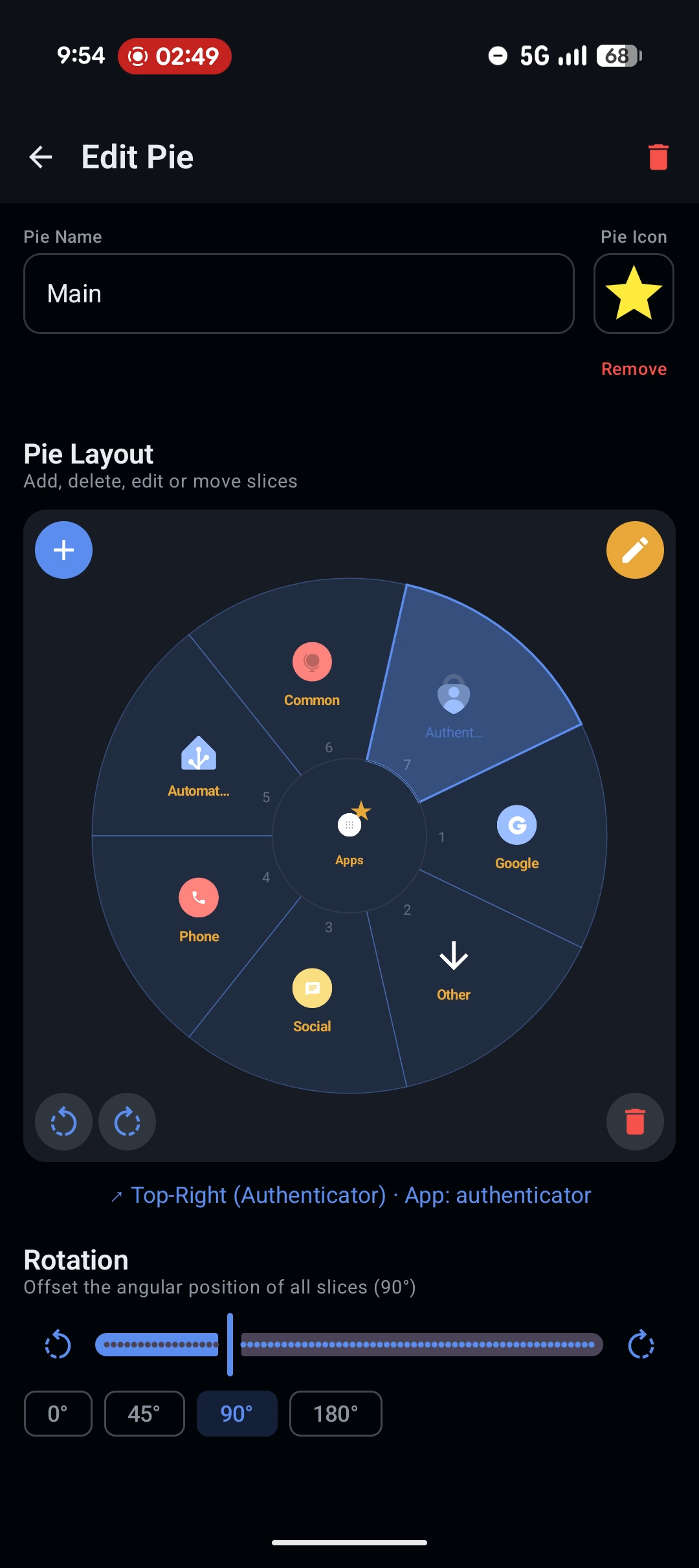
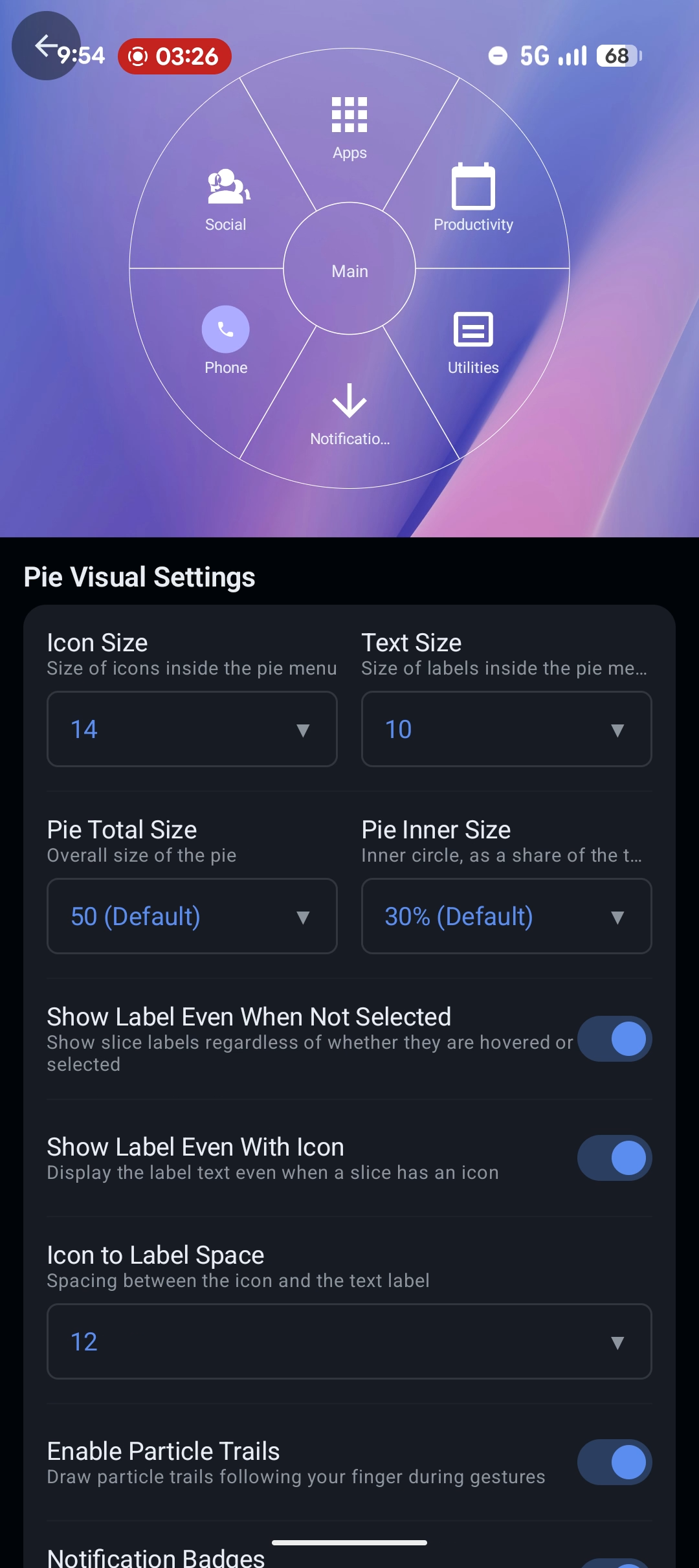
App Screenshots (Clean & Frameless)
Pure UI screen captures without marketing copy or device frames (1080p). Ideal for article body illustrations, custom mockups, and reviews. Click any screenshot to enlarge.
Store Visuals
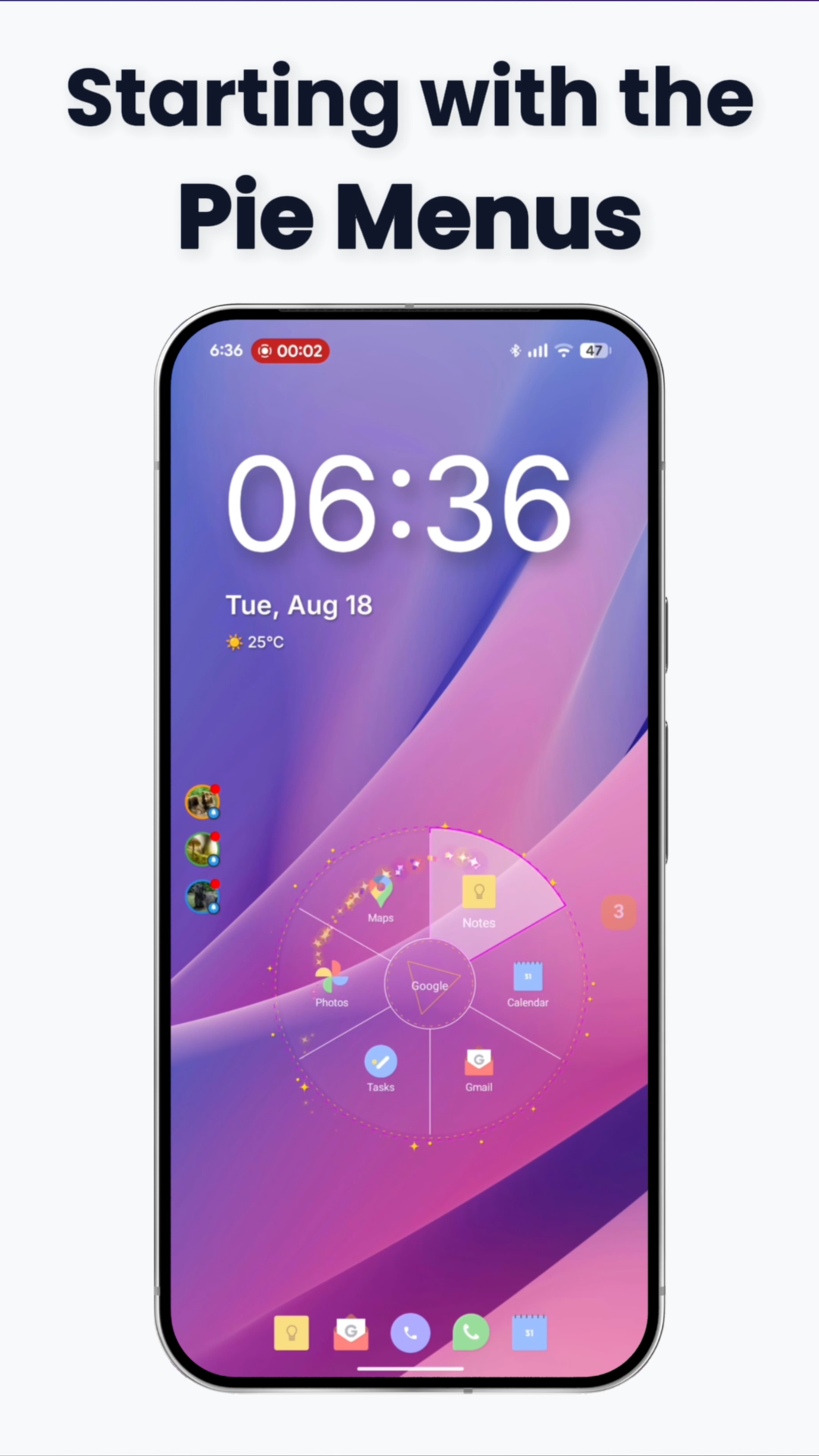
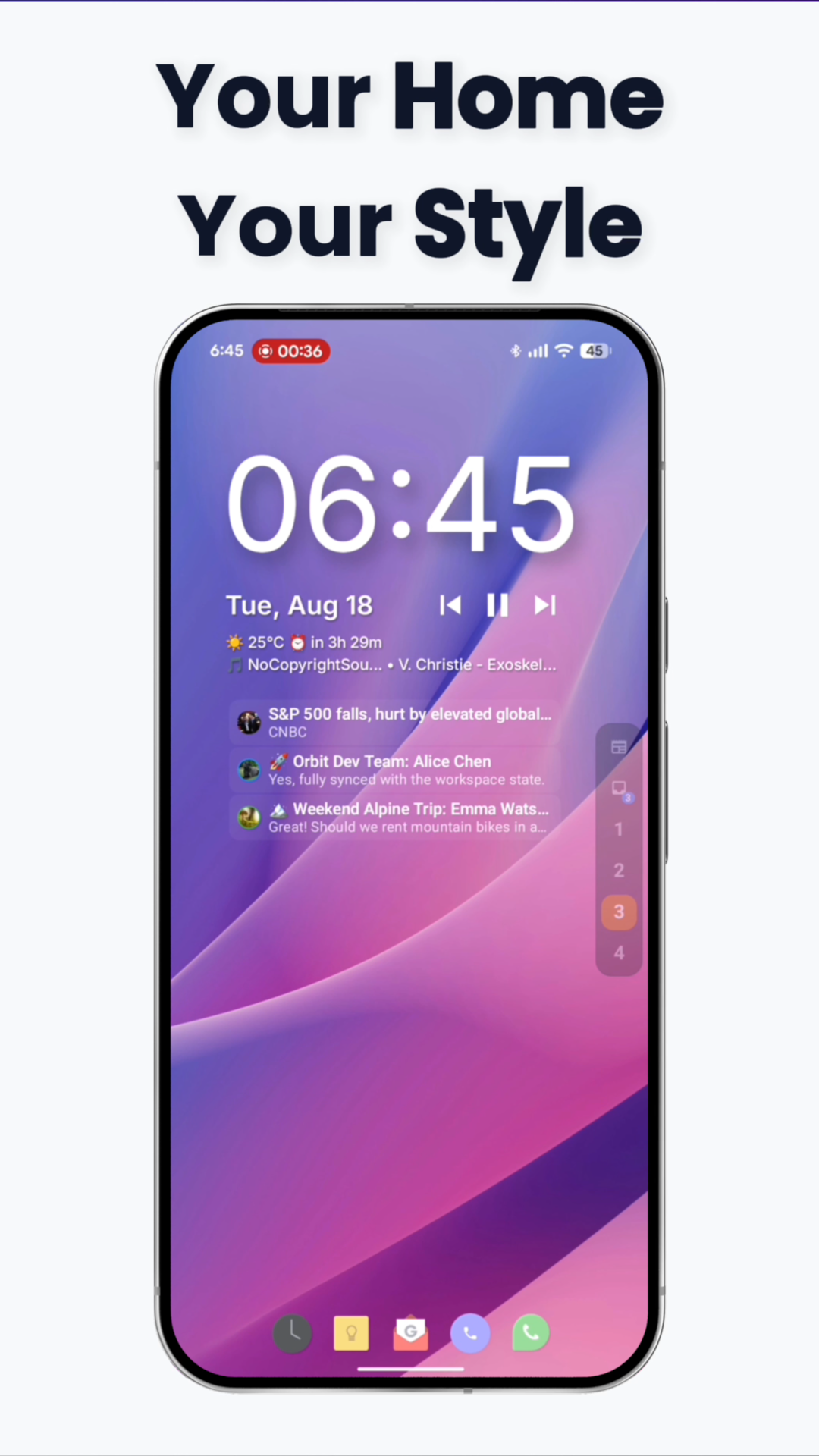
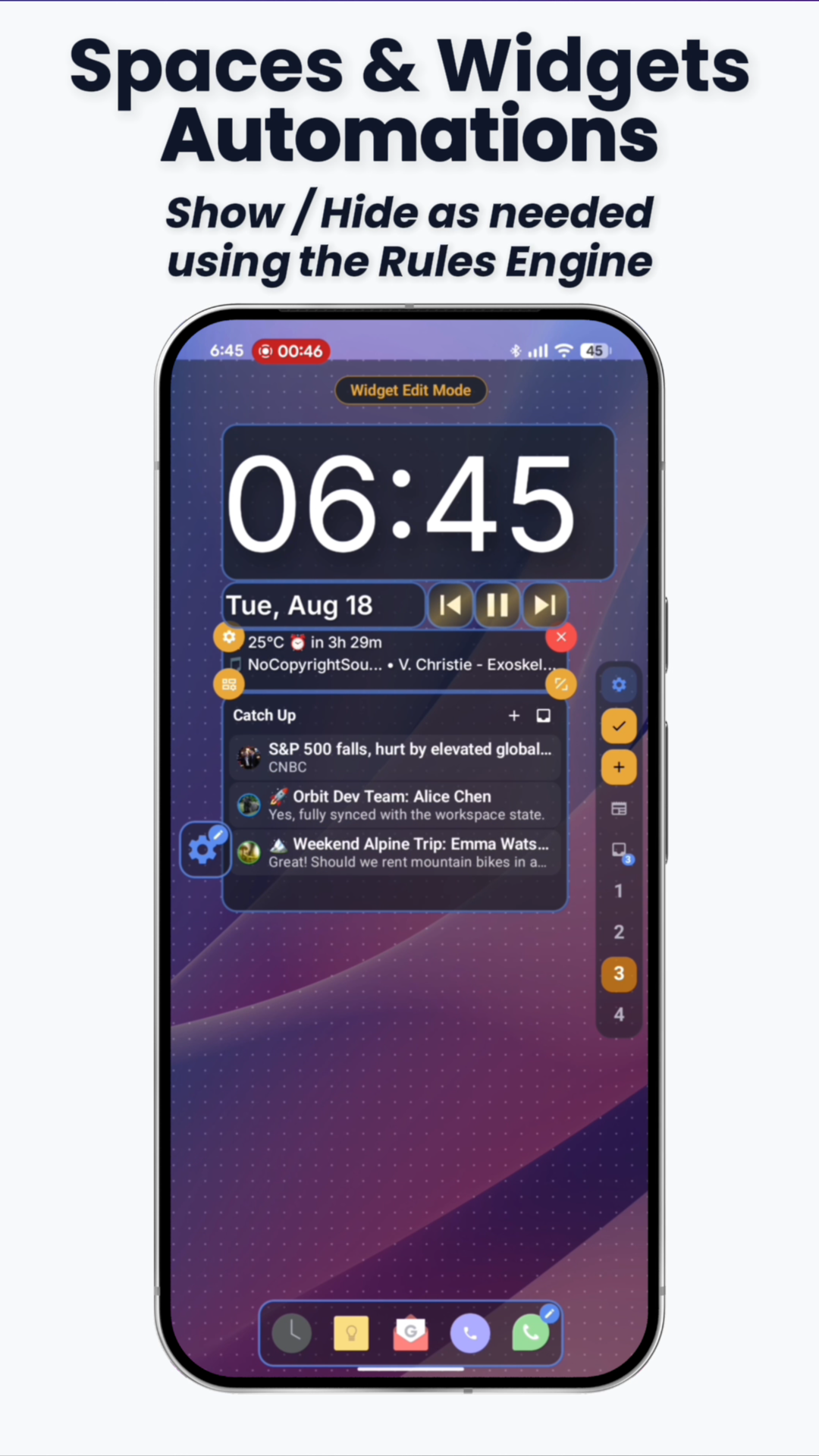
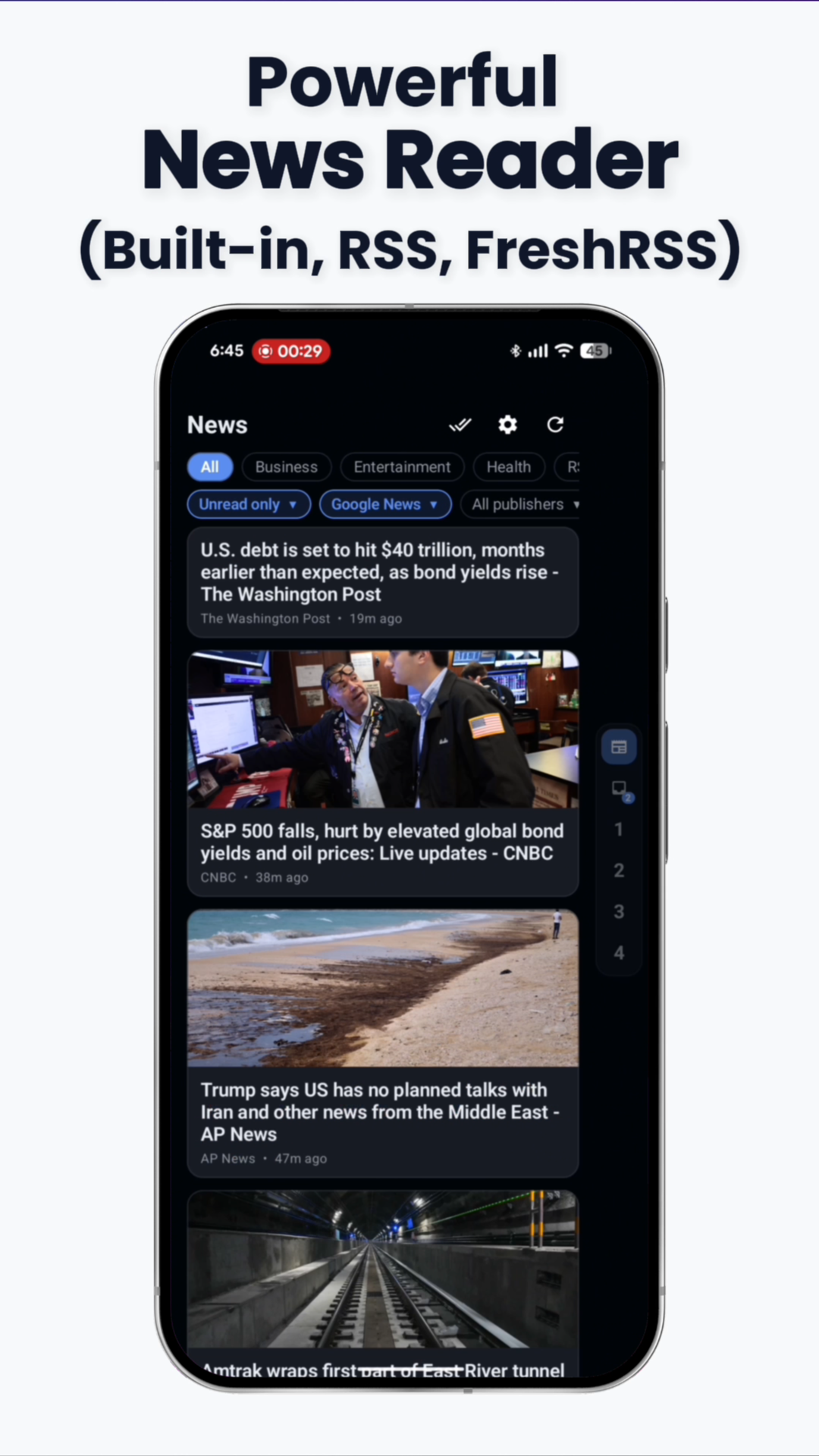
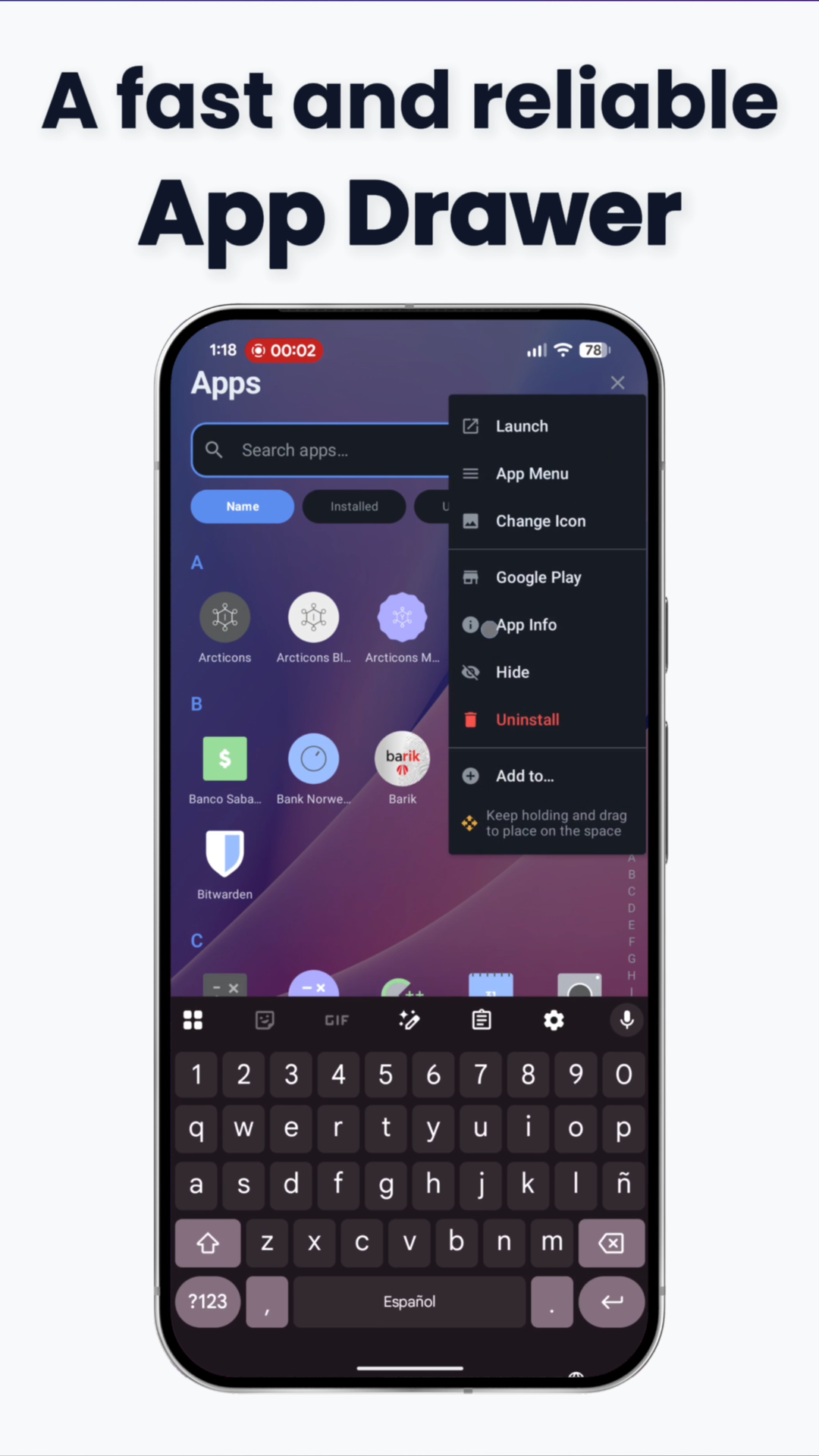
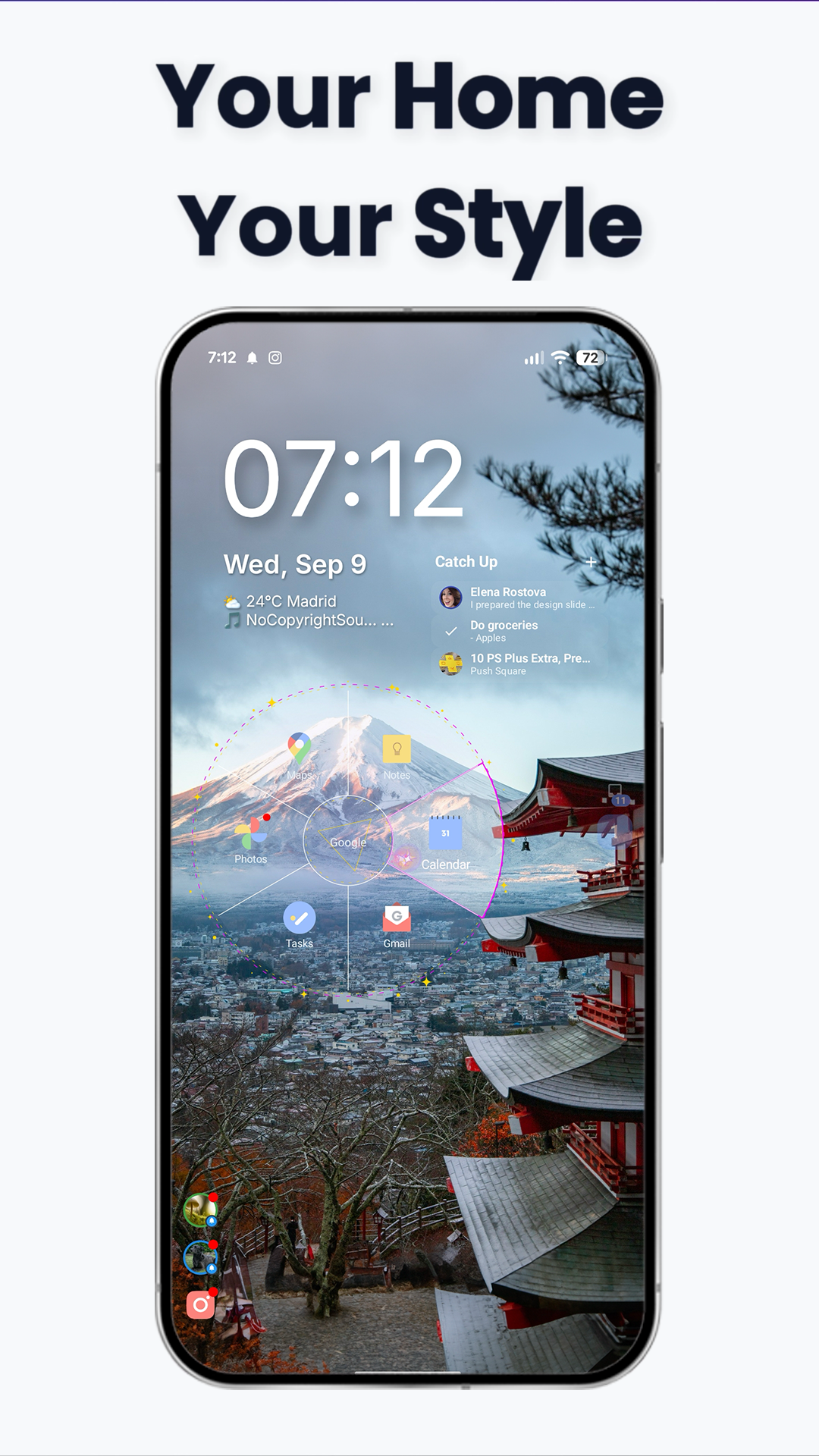
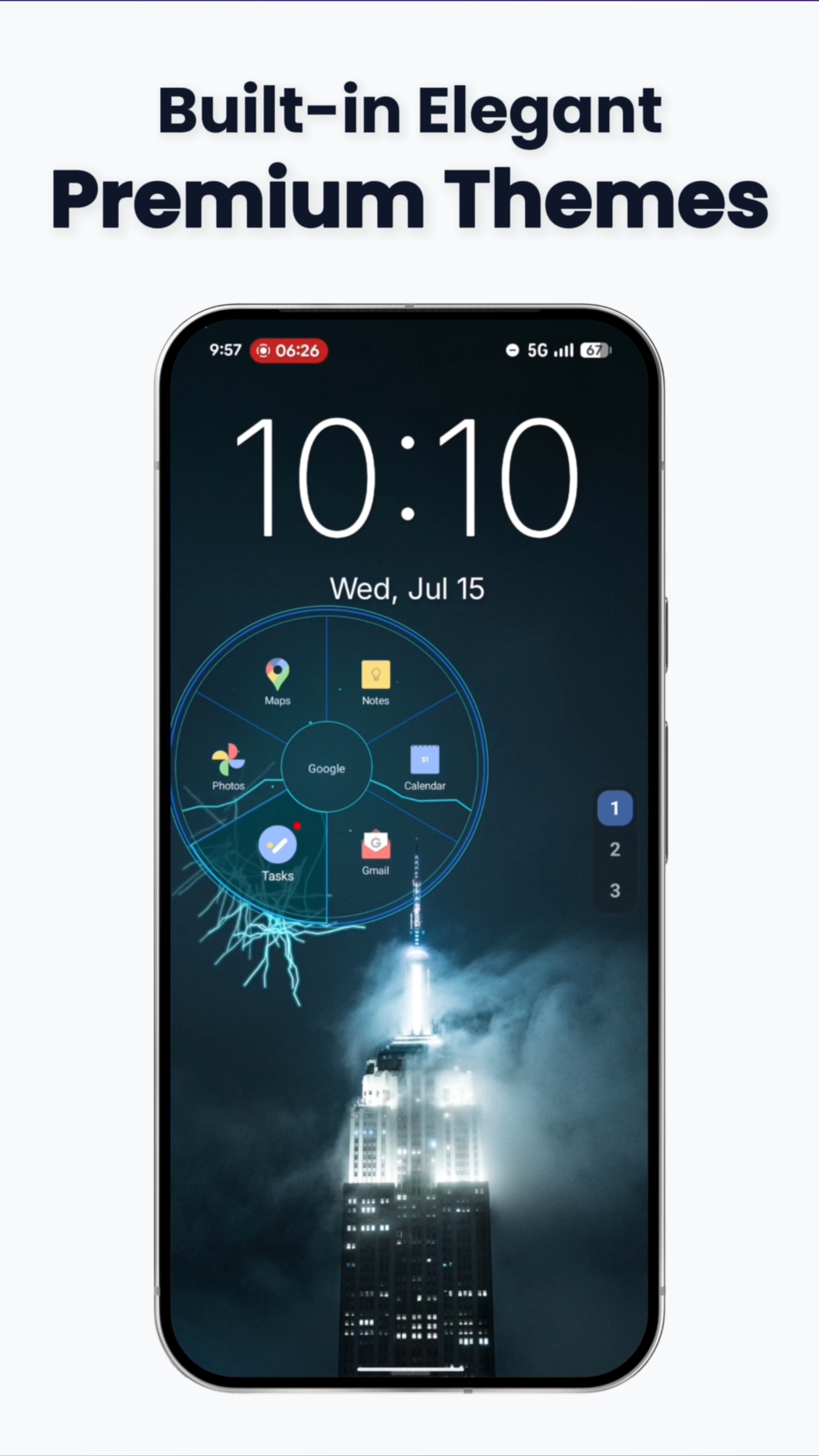
Google Play Store Screenshots
Official store promotional graphics with feature callouts and device frames (1080×2400). Click any screenshot to view full screen.
Interactive Shorts & B-Roll
Feature Video Clips
Short, high-framerate video recordings demonstrating Tenkai Launcher's individual mechanics. Ideal for YouTube Shorts, TikToks, Reels, or blog GIF conversions.
1. Radial First Steps
Touch anywhere on screen to trigger the thumb-friendly radial pie menu.
MP4 / WebM
Download MP4 ↓
2. Fast Flick Navigation
Flicking muscle-memory shortcuts to launch favorite apps under 100 milliseconds.
MP4 / WebM
Download MP4 ↓
3. Assigning Apps to Slices
Drag-and-drop customization to map any app, shortcut, or action to pie angles.
MP4 / WebM
Download MP4 ↓
4. Premium Radial Themes
Dynamic color schemes, glowing borders, and visual styles for pie menus.
MP4 / WebM
Download MP4 ↓
5. Widget Automations
Configuring dynamic rules that reveal contextual widgets based on environment triggers.
MP4 / WebM
Download MP4 ↓
6. Virtual Spaces
Grouping multiple widgets into swipeable virtual spaces on a single screen.
MP4 / WebM
Download MP4 ↓
7. Widget Stacks & Containers
Stack widgets into space-saving gesture decks with radial switching, and assemble multi-widget canvas panels with grid snapping.
MP4 / WebM
Download MP4 ↓
8. Status Capsules & Webhooks
Direct HTTP REST queries and live hardware sensors integrated into home screen capsules.
MP4 / WebM
Download MP4 ↓
9. Catch-Up Hub & Inbox
Centralized inbox to triage pending notifications, memos, and news articles calmly.
MP4 / WebM
Download MP4 ↓
10. Custom RSS & News Reader
Auto-discovery RSS reader supporting Reddit, YouTube, Mastodon, and GitHub profiles.
MP4 / WebM
Download MP4 ↓
11. Alphabetical App Drawer
Instant alphabetical search, fast letter scrubbing, and privacy app hiding.
MP4 / WebM
Download MP4 ↓
12. Dock Notifications
Interactive notification previews and badges directly in the classic dock.
MP4 / WebM
Download MP4 ↓
13. Deep Settings & Control
Granular gesture sensitivity, vibration feedback, icon pack options, and layout controls.
MP4 / WebM
Download MP4 ↓
Media Inquiries
Contact & Press Relations
Fast Response
Direct Press Contact
For interview requests, technical questions, additional high-res promotional assets, or promo code inquiries, reach out directly to the developer:
We respond to verified journalists, creators, and media inquiries within 24 hours.